Marie's Adventure Save Files & Backups
Protect multiples hunts and hotfix experiments with local copies — Cloud is not listed for this app.
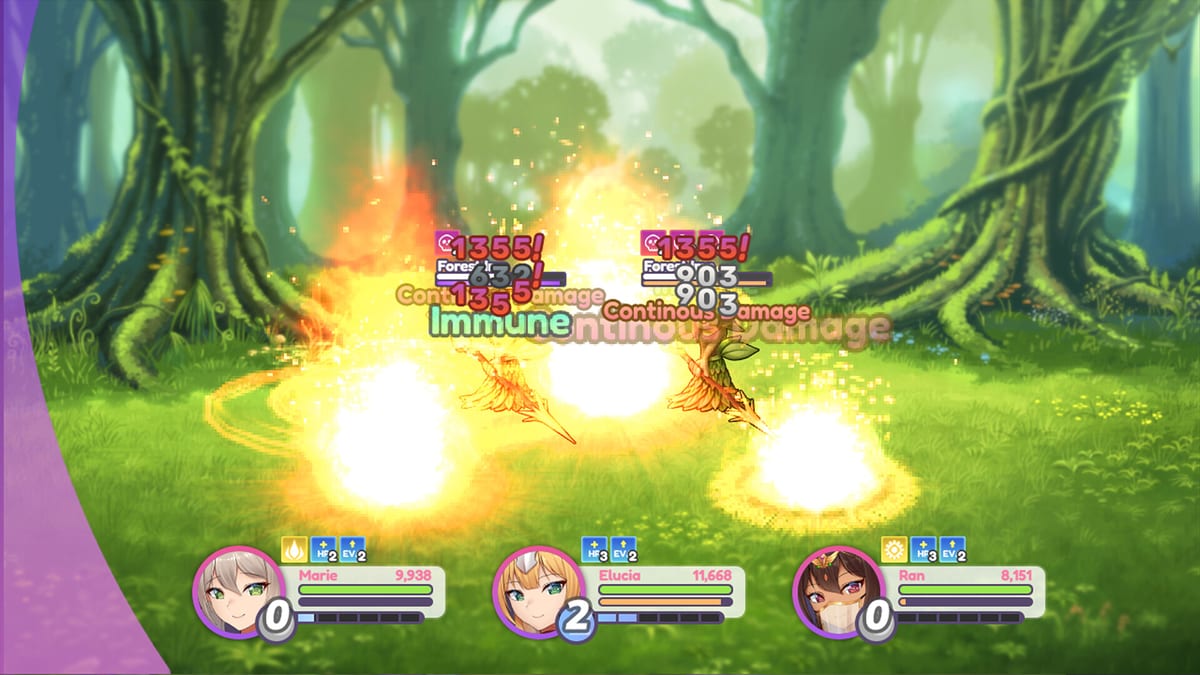
Marie’s Adventure is a single-player Windows H-RPG. Your progress lives in local save files, and launch-week players already report load failures and multi-hour lag on a single slot. This page explains how to back up safely before www hotfixes, multiples save-scumming, or Defender restores — without inventing a Cloud feature Steam does not list for app 4819360.
Pair with Troubleshooting, Known Issues, and Controls for F5 / title-load habits.
Steam Cloud: what the store actually lists
Steam public categories for Marie’s Adventure include Single-player, Steam Achievements, and Family Sharing. They do not include Steam Cloud. Until the store page shows a cloud icon (or the developer announces otherwise), assume:
- Saves will not auto-sync between PCs.
- Reinstalling Steam can orphan files if you delete userdata carelessly.
- Manual zip backups are mandatory for serious runs.
If Steam later enables Cloud, re-check this page — we will update Release Notes when metadata changes.
Where to look for save data
RPG Maker–style Windows builds often store slots in one of these places (check all before panicking):
| Location pattern | Notes |
|---|---|
Game install save / www/save | Common for exported web/RPG Maker packages |
%APPDATA% or %LOCALAPPDATA% vendor folders | Survives some reinstalls |
Steam userdata\\<SteamID>\\4819360\\ | Steam-side storage for app 4819360 |
| Documents / My Games | Less common, still worth searching |
On Steam: right-click Marie’s Adventure → Manage → Browse local files to open the install root, then search for recent .rpgsave, .save, or numbered slot files. Exact filenames vary by engine export — copy the entire folder that updates when you save in-game.
Backup checklist (do this weekly)
- Exit the game completely.
- Locate the active save folder using the table above.
- Zip-copy to
Desktop\\MariesAdventure-Saves-YYYYMMDD.zip. - Keep a second copy on another drive or USB if you hunt multiples.
- Label slots:
story,multiples,altomyostrso you never overwrite the wrong timeline.
Before every www hotfix
Hotfixes overwrite the game directory. Saves usually live outside www, but partial merges and Defender restores have eaten progress before. Sequence:
- Backup saves (zip).
- Close the game.
- Copy hotfix
wwwwith full overwrite (Known Issues). - Launch, load Sylva save, confirm Inn and pregnancy UI still read correctly.
- If load fails, restore the zip before trying a second hotfix layer.
Multiples save-scum workflow
Community multiples hunting saves in front of the Sylva Inn clerk after conception. Practical hygiene:
- Dedicated slot — never your only story save.
- Confirm milk capacity with the Pregnancy Tracker after the walk-to-~25% check.
- Reload from title if the engine soft-locks mid-scene (Controls F5 notes).
Load failures and long-session lag
Launch-day Steam threads mention saves that refuse to load and lag after 4–5 hours on one file. Try in order:
- Restart Windows game client; load from title menu.
- Copy the corrupt-looking slot aside; test an older backup.
- Verify Steam files / re-download itch archive if install files were quarantined.
- Avoid JoiPlay when diagnosing PC load bugs.
Transferring between PCs
Without Cloud:
- Zip saves on PC A.
- Install the same storefront build on PC B (Steam vs itch vs DLsite packages can differ).
- Paste into the matching folder on PC B.
- If Steam ever shows Cloud later, disable it temporarily while merging folders so remote empty saves do not clobber local progress.
Related pages
- System Requirements — Windows-only install baseline.
- Where to Buy — stay on one storefront for patch parity.
- Achievements — why multiples slots matter.
- Wiki Overview — index.
Backups are boring until the day Defender deletes an exe mid-run. Zip early, label slots, and treat Cloud as unavailable until Steam says otherwise.
Frequently Asked Questions
Quick answers to the most common questions.
Does Marie’s Adventure support Steam Cloud?
Steam categories for app 4819360 do not list Steam Cloud. Use manual local backups.
Where are my saves?
Check the game install save folder, AppData, and Steam userdata\\…\\4819360. Copy the folder that changes when you save in-game.
Should I back up before hotfixes?
Yes. Zip saves before every www overwrite and Defender restore.
My save will not load — what now?
Restart, load from title, try an older backup, then verify install files. See Known Issues for launch-week load reports.
Can I share saves between Steam and itch?
Only if both builds use compatible save formats. Prefer staying on one storefront for a run.